CN
CN Jun 08, 2026
Every print shop eventually hits the same wall. A beautifully printed poster curls at the edges within days. A set of outdoor wayfinding signs starts bubbling after the first rain. Or a rigid foam board display arrives at the client with a scratched, cloudy surface that makes the whole job look cheap.
The culprit isn’t the ink. It’s not even the substrate. It’s the finishing decision that got rushed at the end of the job.
When you’re choosing a lamination method, you’re not just picking a film—you’re deciding how long that print will survive, how professional it will feel in a customer’s hands, and how many reprints you’ll eat the cost on later. The hot versus cold debate sits at the center of that decision, and the right answer changes depending on what you actually print day in and day out.
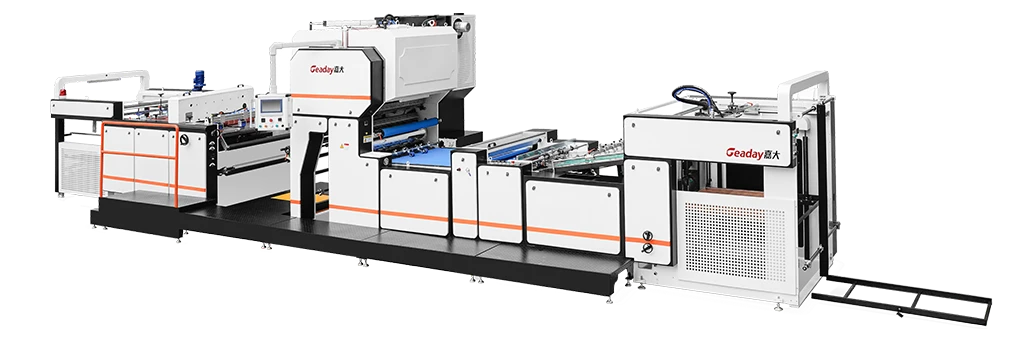
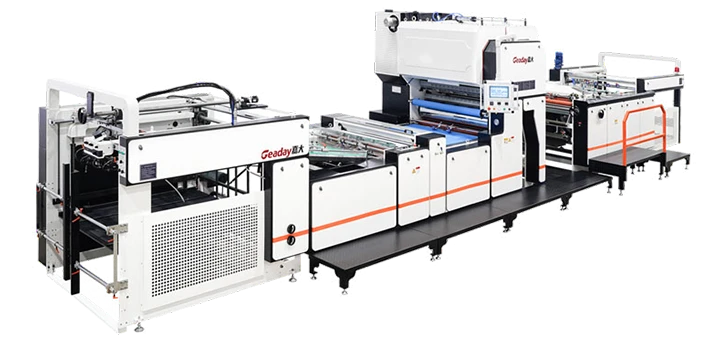
Before we get into the details, it’s worth noting that the equipment you run plays a huge role here. A streamlined vertical lamination system can shift the entire equation on speed and material handling, which we’ll touch on later.
The Real Difference No One Talks About
On paper, the definitions sound simple. Hot lamination uses heat-activated adhesive. Cold lamination relies on pressure-sensitive adhesive—no heat, no warm-up.
But the practical split runs deeper than that. I’ve stood in shops where operators run nothing but thermal film because “that’s what we’ve always used,” while their competitors half a mile away switched entirely to cold lamination and cut turnaround time by 30%. Neither shop was wrong. They were just solving different problems.
Here’s what actually separates the two methods when you’re running real jobs:
Adhesion quality over time. Hot lamination creates a molecular bond between the film adhesive and the print surface. Once that bond sets, it doesn’t loosen. Cold lamination uses a mechanical bond—pressure pushes the adhesive into the microscopic texture of the surface. It holds well initially, but over months of temperature cycling, cold-laminated prints can begin to lift at the edges, especially on smooth or coated stocks. If you’re laminating something that needs to last 3–5 years outdoors, this is where the decision gets serious.
Material sensitivity. Heat is a destroyer of certain inks and substrates. Solvent-based inkjet prints can outgas for hours after printing. Run them through a hot laminator too soon, and you trap vapor under the film, creating silvering and bubbles. Cold lamination skips that problem entirely—it’s the safer choice for fresh prints, heat-sensitive vinyl, and delicate photo papers. On the other side, cold films sometimes struggle to adhere to textured or heavily coated surfaces where the adhesive can’t find enough mechanical grip.
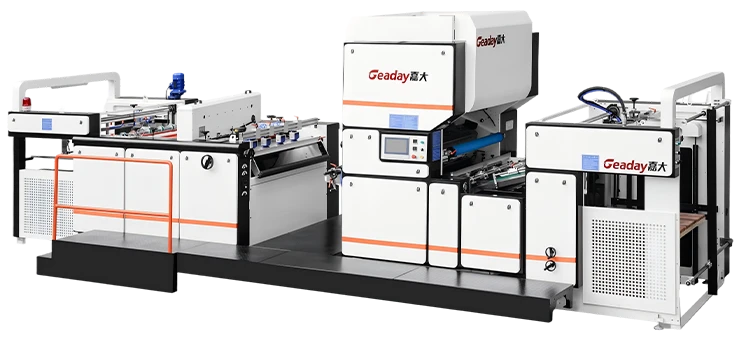
Cycle speed and workflow. Here’s where the equipment configuration starts to matter more than the lamination type itself. A hot laminator needs to reach temperature and maintain it consistently across the entire roller width. Cold lamination means you can start immediately—no heat-up, no roller temperature checks. But cold films tend to run at slower line speeds to ensure proper pressure dwell. The actual throughput difference often comes down to the machine design rather than the thermal method. A high-throughput finishing equipment for digital prints can close that gap significantly, regardless of which film you choose.
Comparative Breakdown
| Factor | Hot Lamination | Cold Lamination |
| Adhesive activation | Heat (85–130 °C typical) | Pressure (nip rollers) |
| Bond type | Chemical/molecular | Mechanical |
| Best for | Long-term outdoor signage, menus, high-wear surfaces | Fresh solvent prints, heat-sensitive media, foam board |
| Warm-up time | 5–15 minutes | None |
| Film cost (relative) | Generally lower per square meter | Slightly higher for equivalent quality |
| Risk factors | Silvering from outgassing, melting heat-sensitive substrates | Edge lifting over time, lower adhesion on smooth coats |
| Typical longevity | 3–7 years outdoors with proper film | 1–3 years outdoors, longer indoors |
| Material compatibility | Most papers, synthetics with thermal tolerance | Virtually all materials including canvas, vinyl, photo paper |
This table gives you a clean snapshot, but here’s the nuance: the boundaries are blurring. Advanced thermal films now activate at lower temperatures (some at 80 °C), which makes them safer for a broader range of prints. Meanwhile, new pressure-sensitive adhesive chemistries are improving cold film’s long-term bonding. If you haven’t tested films from the last two years, your assumptions might already be outdated.
When to Choose Each Method—No Marketing Speak
Lean toward hot lamination when:
-
You’re finishing prints that will face repeated handling—restaurant menus, training manuals, ID badges.
-
Your clients demand a rigid, glossy “encapsulated” feel that gives prints a premium tactile quality.
-
You laminate in high volumes with consistent substrates, where the heat-up time gets amortized over hundreds of feet.
-
Your prints have fully cured (at least 24 hours for solvent inks).
Lean toward cold lamination when:
-
You’re dealing with prints straight off the printer that can’t wait.
-
Heat-sensitive materials—styrene, some vinyls, synthetic photo papers—are a regular part of your mix.
-
You need zero risk of thermal distortion on foam board or other mounted prints.
-
Quick job turnover matters more than a glass-smooth finish.
Most shops I’ve visited that handle both rigid signage and flexible roll media eventually run both methods. They keep a cold-laminating station for mounting and on-demand jobs, and a thermal unit for their high-volume roll work. The question isn’t really “which one” but “what’s your dominant use case.”
Where the Equipment Changes the Math
Here’s something the film comparison charts won’t tell you: your choice of lamination method is partly dictated by the machine, not just the film.
A conventional flatbed or pouch laminator forces you to align, feed, and trim manually. The operator stands there for every single sheet. That’s fine for ten prints. It’s a bottleneck for five hundred.
When the workflow shifts to a vertical orientation, the entire feeding and delivery system changes. Prints enter from the top or side, pass through the roller section upright, and stack or roll at the bottom—often with automated alignment. This is where the speed advantage for high-mix print environments becomes tangible. Whether you load thermal film or PSA rolls, the machine’s ability to maintain consistent tension and pressure across web widths of 1.6 meters or more directly affects whether your cold lamination edges peel or your hot lamination develops wrinkles.
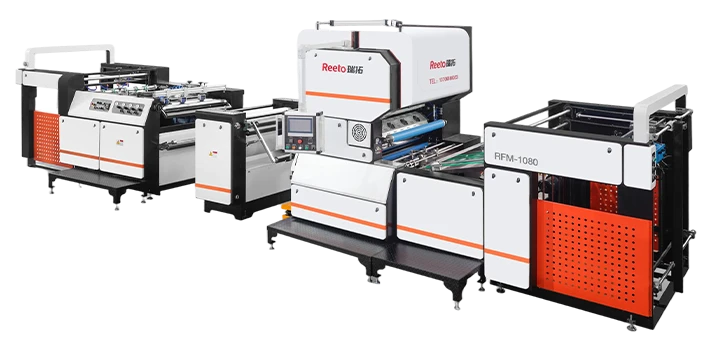
I’ve seen operators in signage shops run both hot and cold films on the same integrated vertical finishing equipment within the same shift, switching rolls in under two minutes. That flexibility means the “hot vs cold” decision becomes a per-job choice rather than a fixed shop-wide policy. For shops producing a mix of rigid panels, flexible banners, and double-sided graphics, that’s a practical game-changer.
Common Traps That Cost You Real Money
Even experienced operators make the same mistakes:
Trap 1: Ignoring film tension differences. Hot films and cold films stretch differently under tension. Running cold PSA film at the same brake setting you use for thermal laminate can cause tunneling—those ugly raised streaks across wide-format prints. Adjust dancer bar or brake tension per film spec.
Trap 2: Using the same roller pressure year-round. Temperature swings in your shop affect adhesive behavior. Cold weather makes PSA film stiffer and less tacky; hot weather makes it too soft, increasing the risk of adhesive squeeze-out. Recalibrate nip pressure seasonally.
Trap 3: Believing cold lamination is always faster. It’s faster to start, but the maximum running speed of cold film is often lower than a properly heated thermal process. On runs over 200 linear feet, hot lamination frequently wins the race if the machine is already up to temperature.
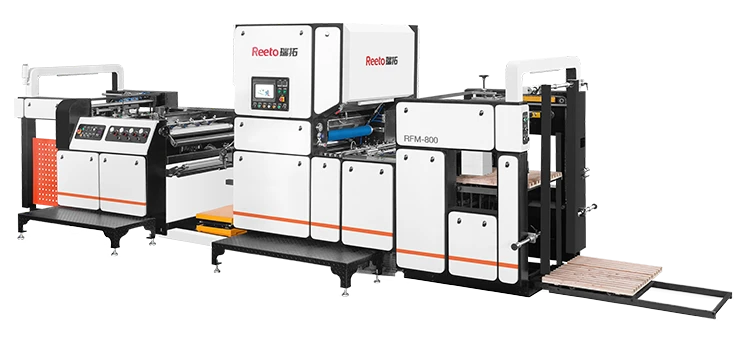
The fix for most of these traps is better process control—and a machine that gives you repeatable digital tension and pressure settings rather than analog knobs. For shops seriously scaling up their finishing, exploring Jiada’s approach to automated laminating provides a look at how modern systems handle these variables with less operator intervention.
What Industry Standards Actually Say
If you’re producing graphics that need to meet a specification, the numbers matter. For trade show graphics, the industry often references ISO 13687-1 for adhesion strength of pressure-sensitive films on rigid substrates. Laminated prints intended for outdoor durability may be tested per ASTM G154 for accelerated weathering. Hot lamination with UV-stabilized polyester films routinely achieves 5–7 years of outdoor vertical exposure without delamination; cold-laminated equivalent films typically certify for 3–5 years under the same testing, depending on adhesive chemistry.
None of these standards will tell you which method to pick—but they’ll confirm whether the method you chose actually worked. Testing a sample panel from every new film batch, including a cross-hatch adhesion test, is a practice the best shops I’ve seen never skip.
Making the Decision That Fits Your Shop
So here’s the bottom-line framework. Don’t ask “hot or cold.” Ask these three questions instead:
-
What’s your fastest-selling print product? If it’s flexible banners and vehicle wraps, cold lamination’s instant-start and material safety give you the most agility. If it’s rigid signage and premium indoor displays, hot lamination’s bond strength and glossy finish are probably what your customers expect.
-
How many different substrates do you run per day? The more variety, the more you’ll benefit from a finishing setup that lets you choose per job—and switch quickly. Vertical-configuration systems designed for fast roll changes become very relevant here.
-
What’s the actual cost of a failure? If a reprint costs you $8 and a disappointed customer, the calculation is different than if a reprint costs $400 in material plus installation labor for a commercial building wrap. Put real numbers on it.
If you’re currently running only one method and constantly fighting edge peeling, silvering, or slow throughput, you’re probably solving the wrong problem. The issue might not be the film type—it might be the machine’s capability or the process settings. Getting a fresh look at your entire finishing workflow, from film storage conditions to delivery pressure, is the highest-return hour you’ll spend this month.
This article is based on general industry practices and should not substitute for testing with your specific materials and equipment. Always refer to your film manufacturer’s technical data sheet and your laminator’s user manual for recommended settings.